

How do I Connect Listings?
Before you can begin using the Social Media section or Reputation Suite, you must have at least one applicable listing connected to your Scorpion platform. This is easily done through the Business section in Settings by an Administrator or staff with the appropriate permissions. If you have questions or need additional assistance, we encourage you to contact your Scorpion Account Manager.
- Click on Settings - the gear icon in the lower left-hand corner.

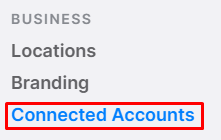
- Select "Connected Accounts" from the left-side menu.
- Click “Add” in the top-right corner.

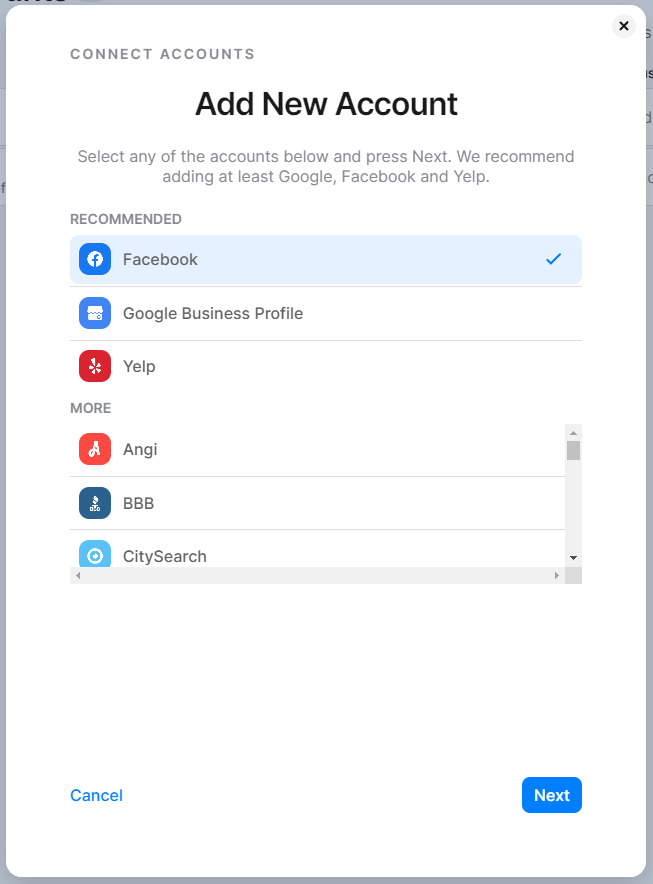
- Click on the listing you would like to add and click Next.
- Enter your listing URL, and, if applicable, select your location and website.
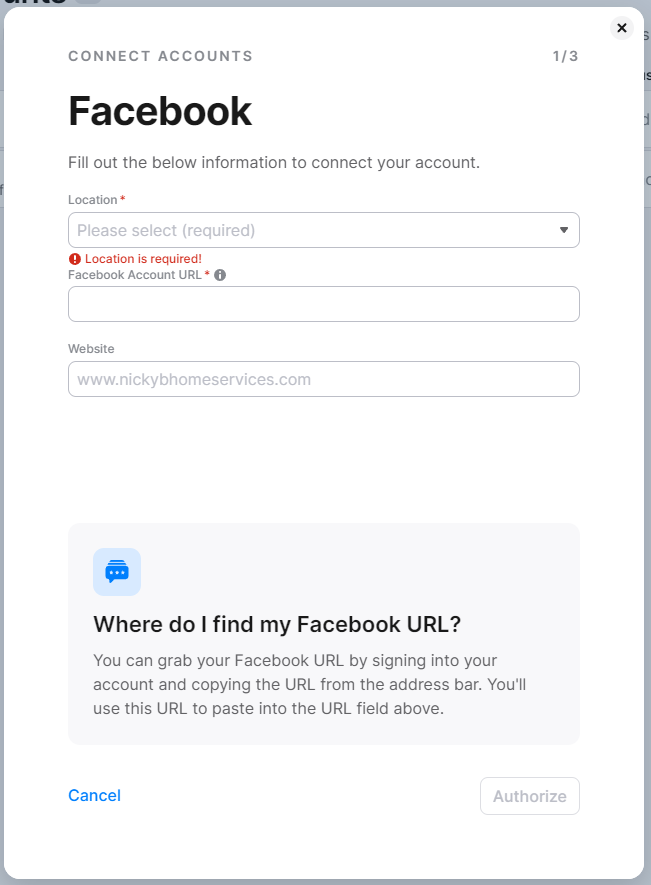
- Click Next, or if authorization is required, click Authorize.
- Note: To learn how to authorize your listing, go to Authorizing Accounts.