How to Add a User
- Click on Settings - the gear icon in the lower left-hand corner.

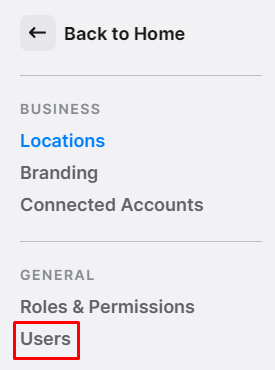
- Select "Users" from the left-side menu.
- Select "Add" in the top right-hand corner.
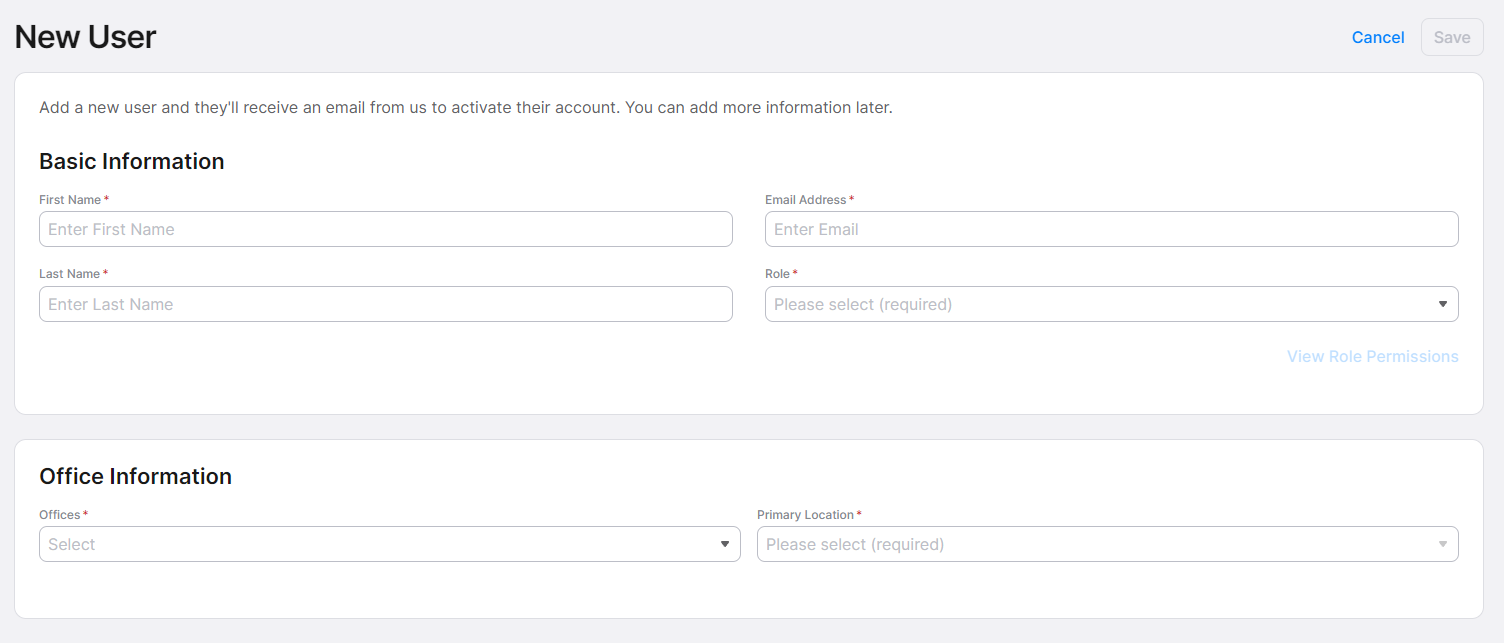
- Fill out the Basic Information and Office Information.
- Click “Save” in the upper right-hand corner.